Europe
Asia
Oceania
Americas
Africa
Power up your screenshotson your Mac!
A screenshot is
Swipe away your touchscreen troubles and rekindle your love of Apple’s mobile devices
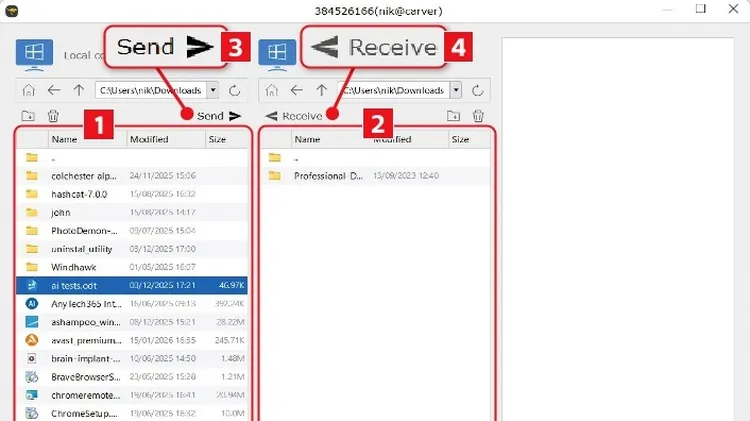
What you need: HopToDesk Time required: 60 minutes If you’re anything like us, you’ll spend most of your day using just one computer. However, there will be occasions when you need to work with anothe
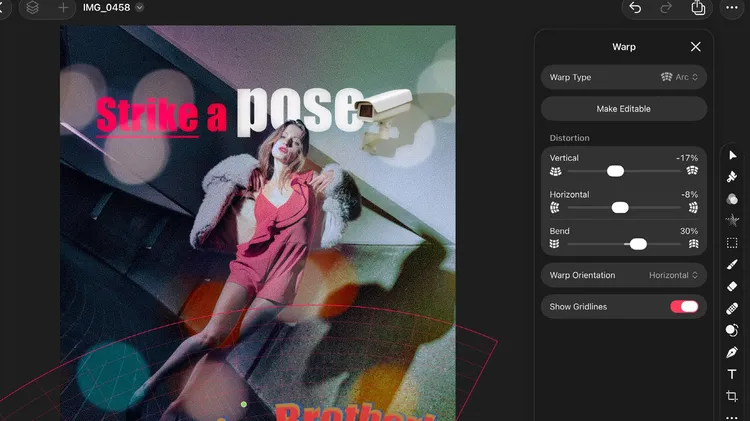
Powerful image editor with support for layers, masks and more
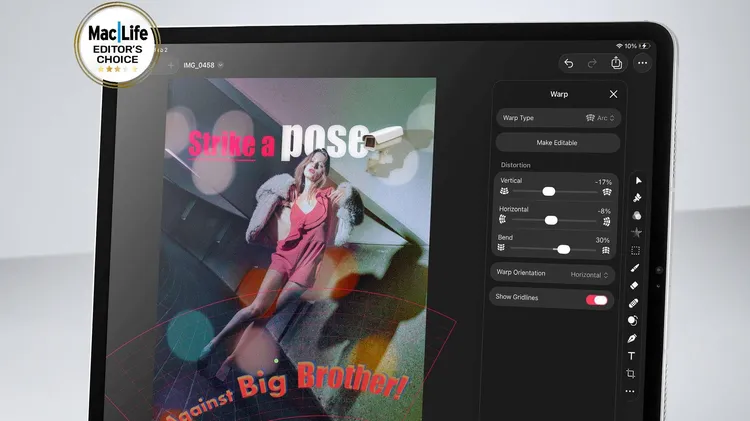
Powerful image editor with support for layers, masks, and more
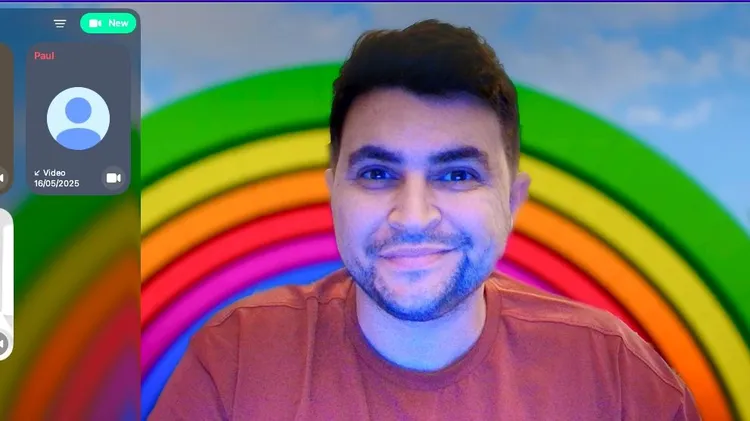
Change your background, improve your audio and much more
Still eager to merge real and virtual worlds? Apple certainly hopes so