Europe
Asia
Oceania
Americas
Africa
Your iPhone is packed with tools to help you
Our resident genius Howard Oakley solves your Mac and iOS problems
Swipe away your touchscreen troubles and rekindle your love of Apple’s mobile devices
A few settings can make a big difference.
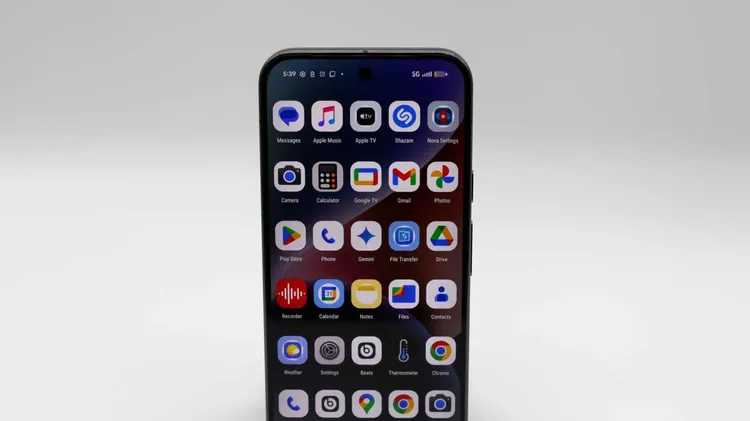
From my Pixel to iPixel.
Change your background, improve your audio and much more
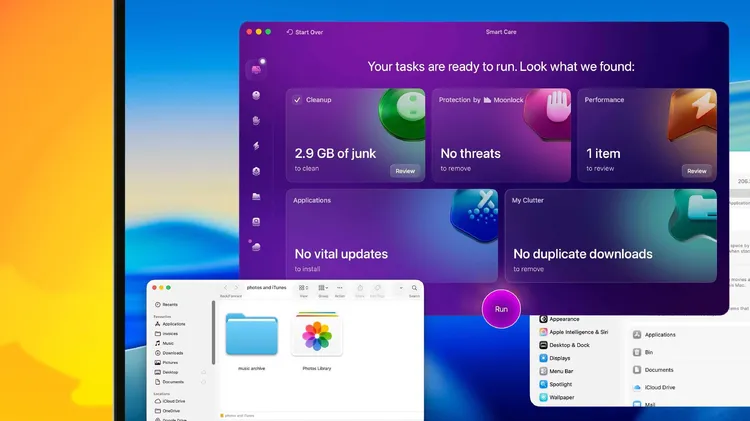
Your ultimate backup and clean up guide