Europe
Asia
Oceania
Americas
Africa
There’s plenty more — even on your Apple Watch
As you’ve s
1 Tap the flash icon to turn it on or off or to set it to trigger automatically, to suit current lighting conditions. 2 Tap this icon to open a window offering access to advanced settings such as Live
Swipe away your touchscreen troubles and rekindle your love of Apple’s mobile devices
1 In the Photos app, find and open the picture you want to edit and then tap the Edit icon, the one that looks like three sliders, at the top of the screen. On the next screen, tap the new option, Cle
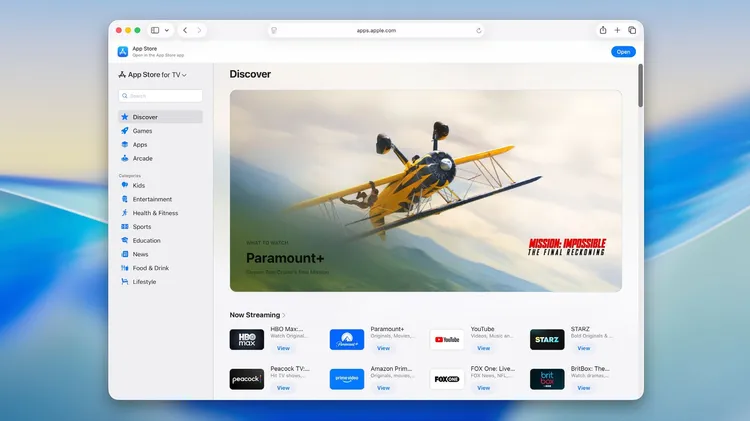
You can now find new apps and more using the App Store in a browser
Whether you’ve just unboxed a new Watch or upgraded your old one to watchOS 26, these tips from Craig Grannell will help you get the most from your wearable wonder
1 The dates when currently visible pictures were taken and where possible, the locations. 2 The +/- icons increase and decrease the size of your preview images. 3 Use these two buttons here to view yo