Europe
Asia
Oceania
Americas
Africa
Receive relevant and timely alerts whenever and wherever yo
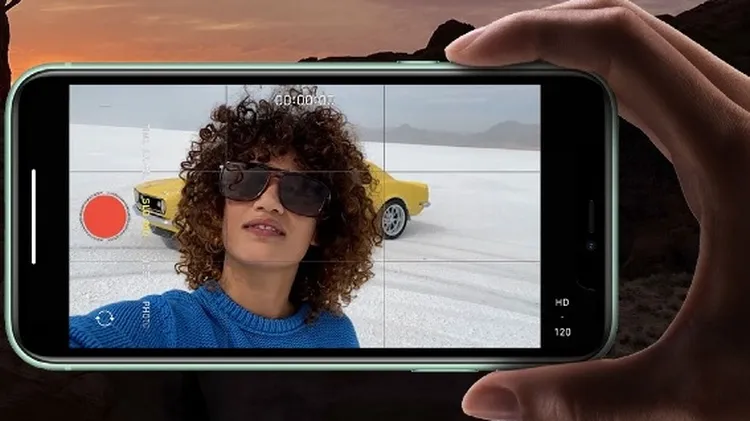
1 Tap the flash icon to turn it on or off or to set it to trigger automatically, to suit current lighting conditions. 2 Tap this icon to open a window offering access to advanced settings such as Live
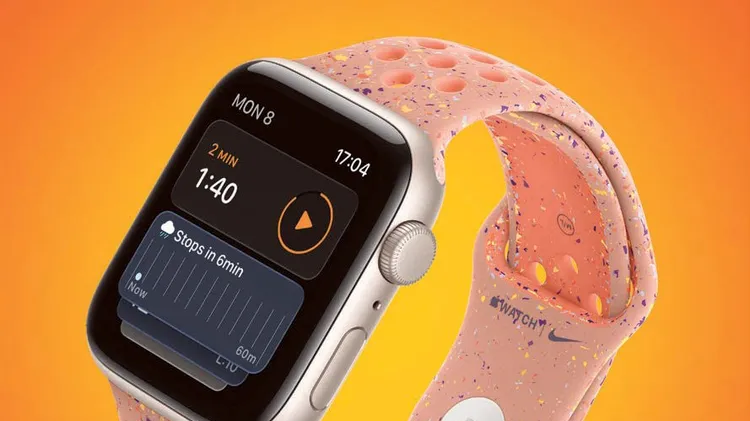
Discover timers done right
Whether you’ve just unboxed a new Watch or upgraded your old one to watchOS 26, these tips from Craig Grannell will help you get the most from your wearable wonder
TECH SUPPORT & TECHSPLANATIONS
Swipe away your touchscreen troubles and rekindle your love of Apple’s mobile devices
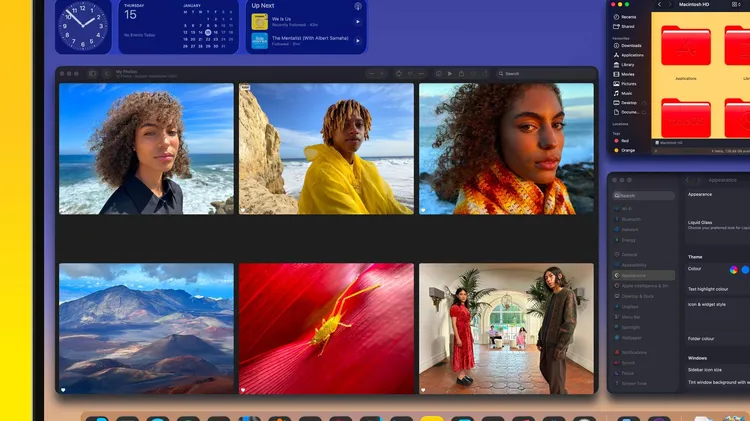
Easy ways to make your Mac uniquely yours