Europe
Asia
Oceania
Americas
Africa
The Mac image editor gets a few welcome changes
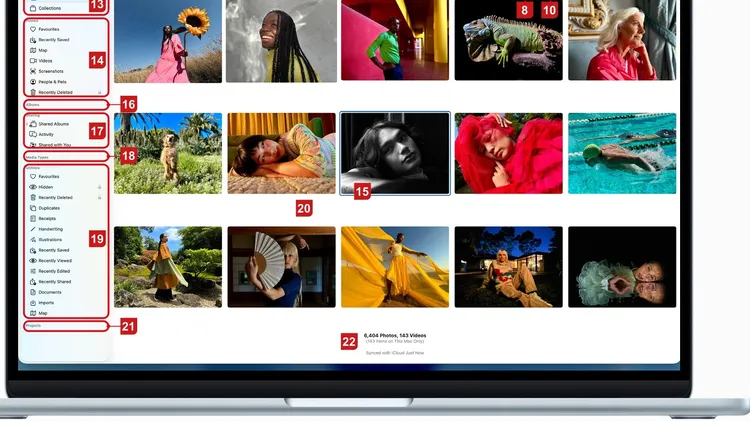
1 The dates when currently visible pictures were taken and where possible, the locations. 2 The +/- icons increase and decrease the size of your preview images. 3 Use these two buttons here to view yo
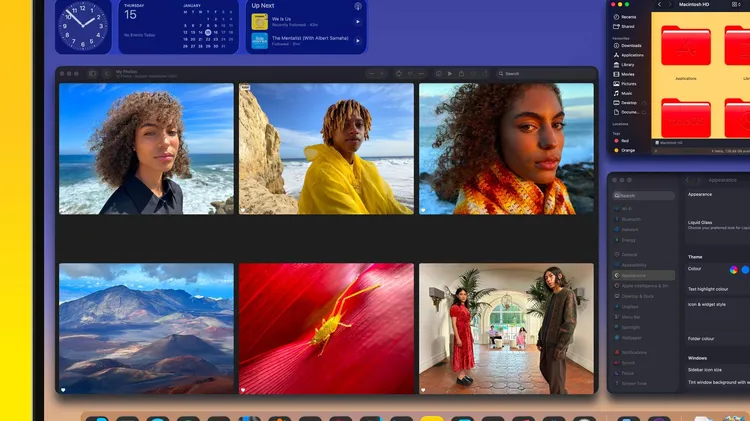
Easy ways to make your Mac uniquely yours
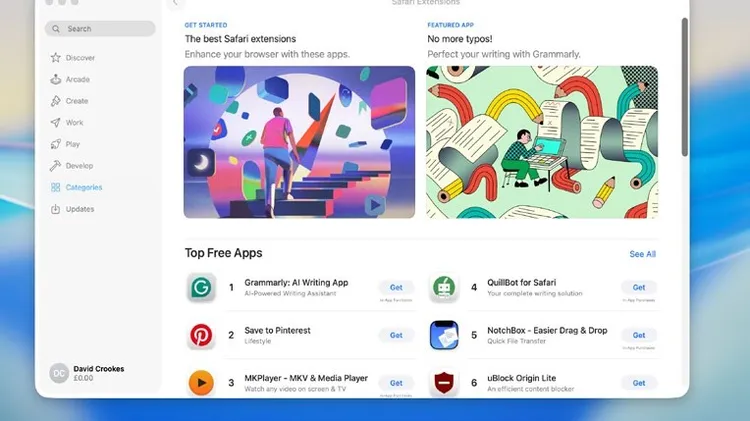
Make Safari work more seamlessly for you by tweaking its settings
1 In the Photos app, find and open the picture you want to edit and then tap the Edit icon, the one that looks like three sliders, at the top of the screen. On the next screen, tap the new option, Cle
TECH SUPPORT & TECHSPLANATIONS