Europe
Asia
Oceania
Americas
Africa
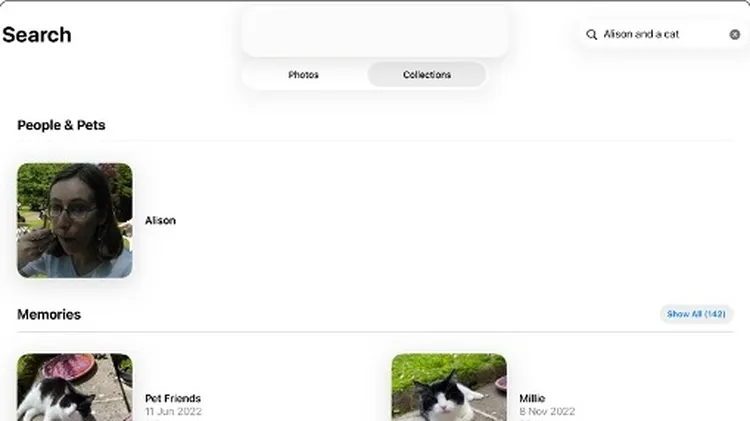
Discover what’s new and what’s changed in latest iOS 26 ver
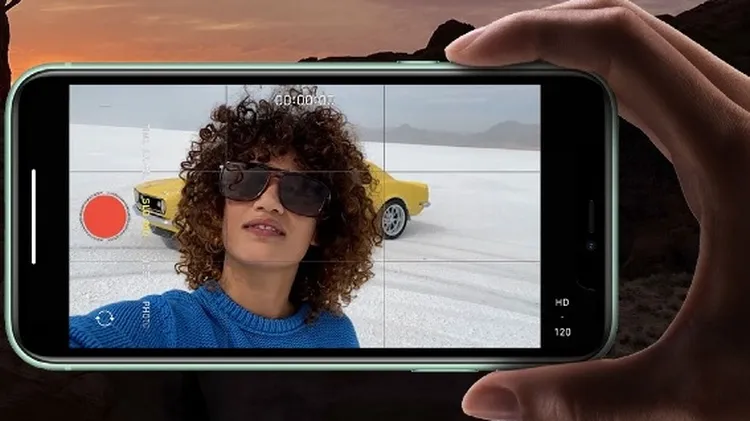
1 Tap the flash icon to turn it on or off or to set it to trigger automatically, to suit current lighting conditions. 2 Tap this icon to open a window offering access to advanced settings such as Live
A few settings can make a big difference.
Change your background, improve your audio and much more
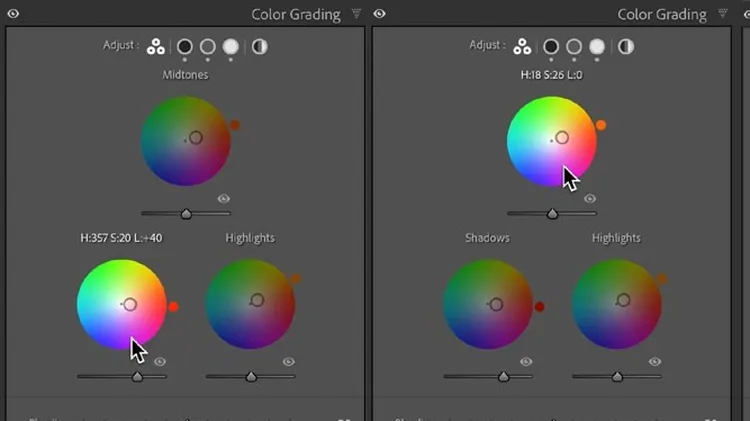
Using Lightroom, Sean McCormack shows how it’s done
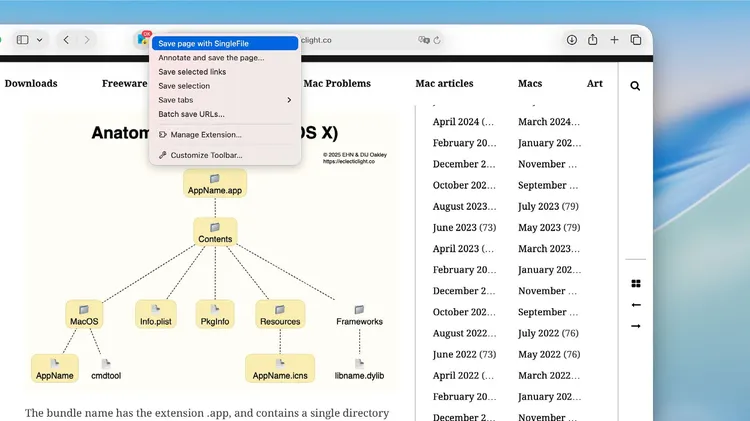
Our resident genius Howard Oakley solves your Mac and iOS problems
1 In the Photos app, find and open the picture you want to edit and then tap the Edit icon, the one that looks like three sliders, at the top of the screen. On the next screen, tap the new option, Cle