Europe
Asia
Oceania
Americas
Africa
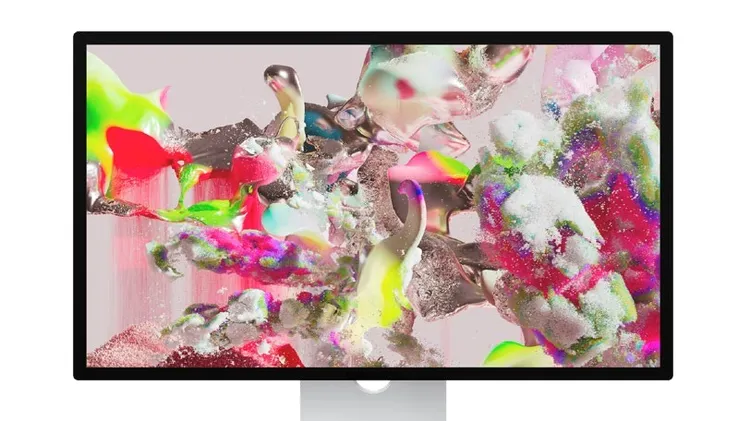
iOS 26 brings a new look and new features
Next–generation Apple smartphones, tablets, and laptops on the way
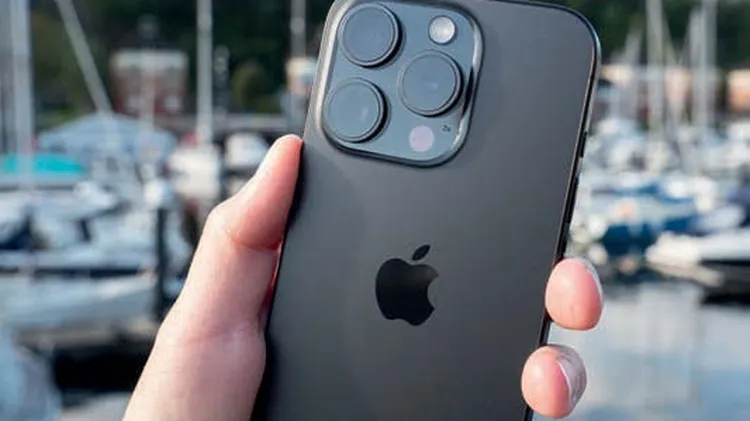
Jon Stapley looks at the iPhones that changed everything for photographers, from the very beginning to the present day
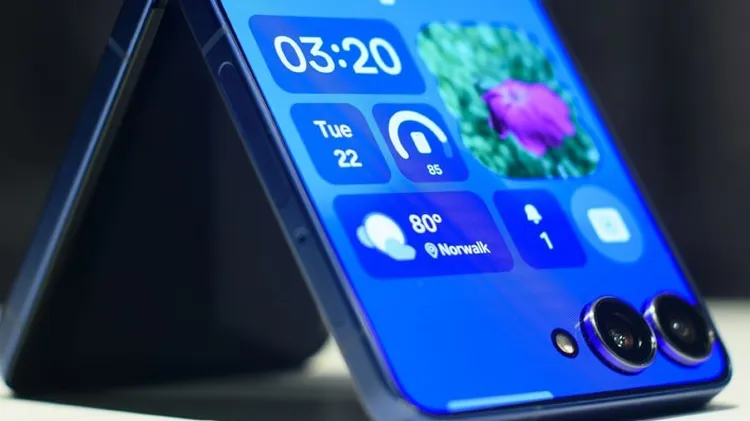
Shedding fresh light on Apple’s foldable future
Change your background, improve your audio and much more
Still eager to merge real and virtual worlds? Apple certainly hopes so
Graham Barlow doesn’t think Apple is fixing chaos – it’s accommodating it