Europe
Asia
Oceania
Americas
Africa
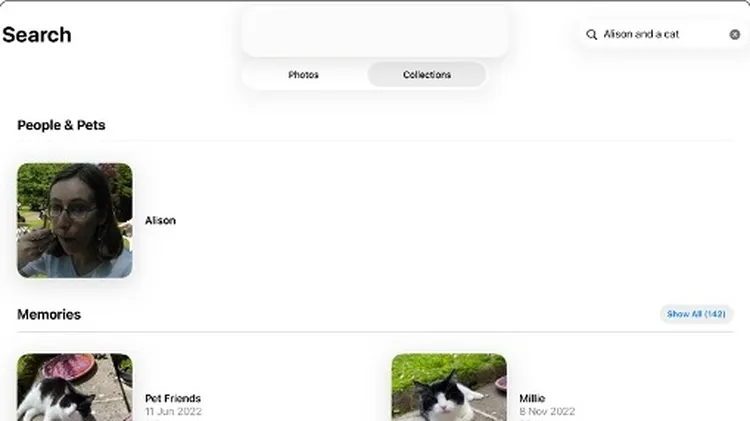
Manage your ever-growing photo collection and edit your pictures to
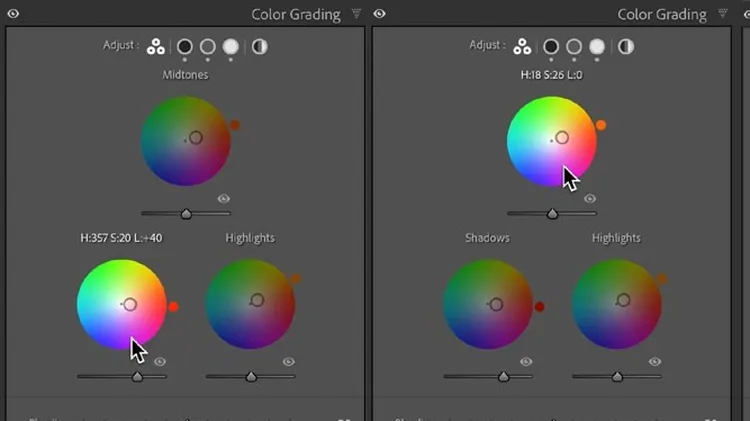
Using Lightroom, Sean McCormack shows how it’s done
A few settings can make a big difference.
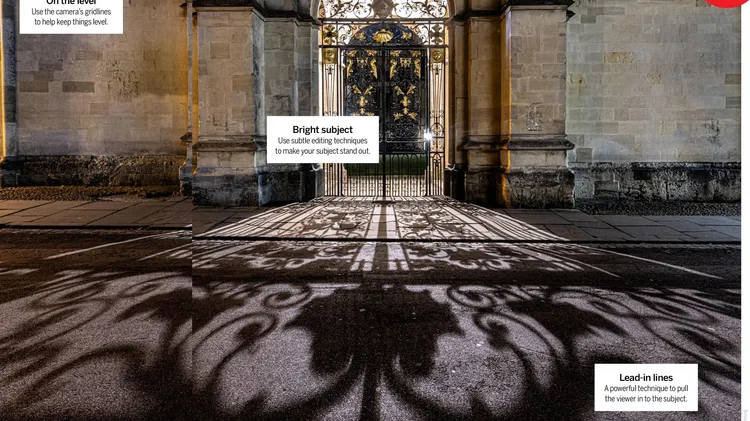
This month: Improve composition Compose yourself for photographs that are worth looking at more than once
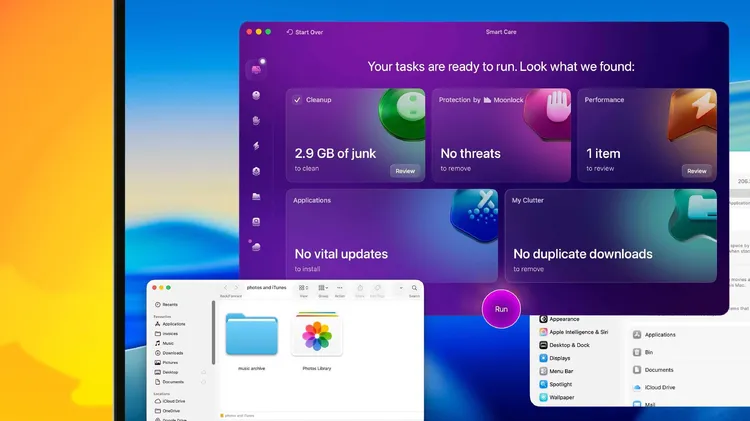
Your ultimate backup and clean up guide
1 In the Photos app, find and open the picture you want to edit and then tap the Edit icon, the one that looks like three sliders, at the top of the screen. On the next screen, tap the new option, Cle
Unleash your inner creative wherever you are