Europe
Asia
Oceania
Americas
Africa
Be an expert photo editor
Get to grips with the powerful to
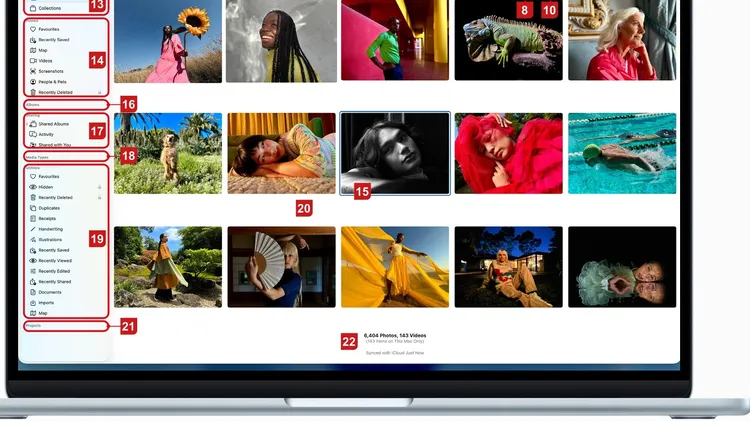
1 The dates when currently visible pictures were taken and where possible, the locations. 2 The +/- icons increase and decrease the size of your preview images. 3 Use these two buttons here to view yo
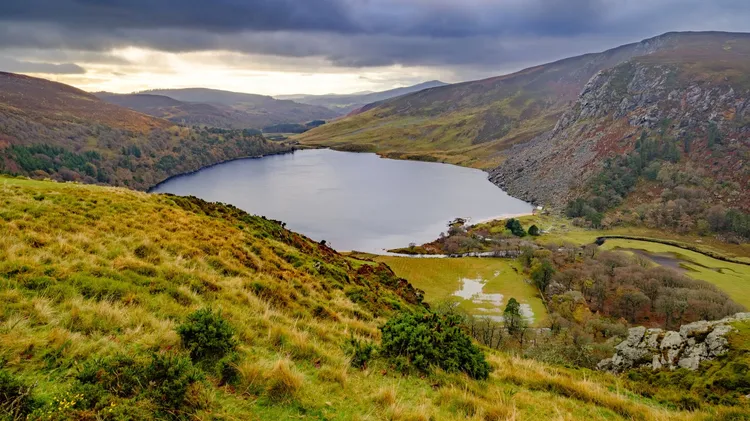
Sean McCormack merges bracketed files for better landscapes
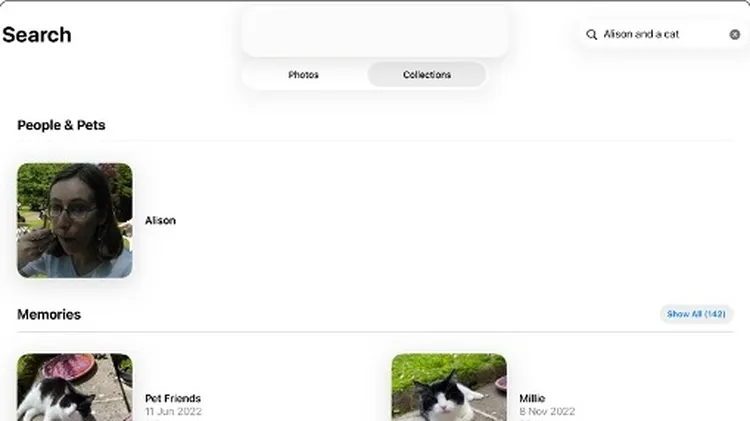
1 In the Photos app, find and open the picture you want to edit and then tap the Edit icon, the one that looks like three sliders, at the top of the screen. On the next screen, tap the new option, Cle
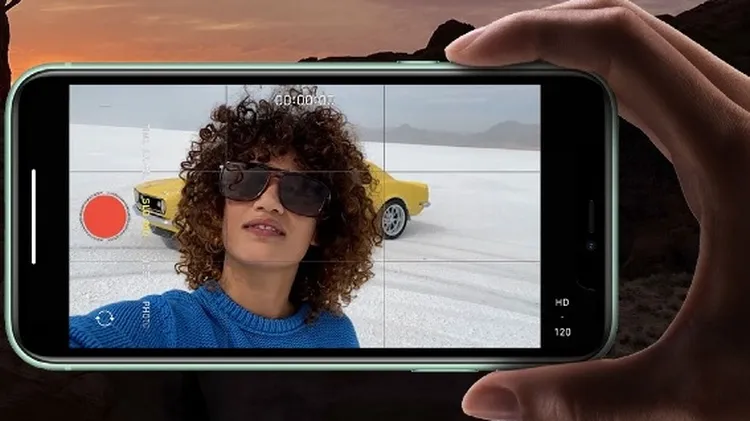
1 Tap the flash icon to turn it on or off or to set it to trigger automatically, to suit current lighting conditions. 2 Tap this icon to open a window offering access to advanced settings such as Live
Wendy Evans continues our new series on getting to know ON1 Photo RAW MAX 2026
Resolving riddles and restrictions with what you want to run on your Mac