Europe
Asia
Oceania
Americas
Africa
StandBy mode
Stand by for a new way to use your iPhone…
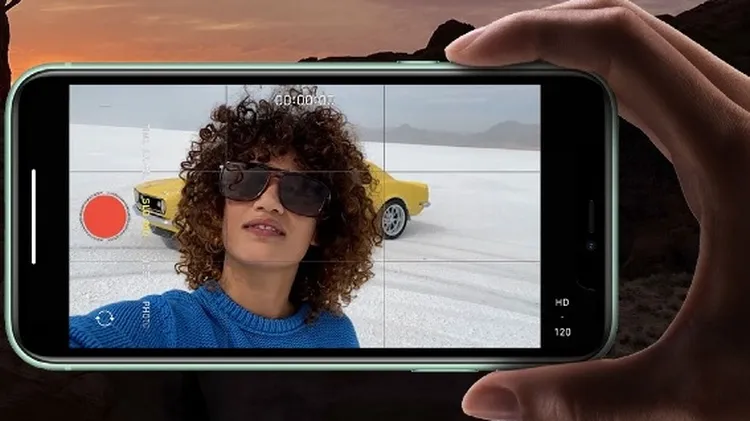
1 Tap the flash icon to turn it on or off or to set it to trigger automatically, to suit current lighting conditions. 2 Tap this icon to open a window offering access to advanced settings such as Live
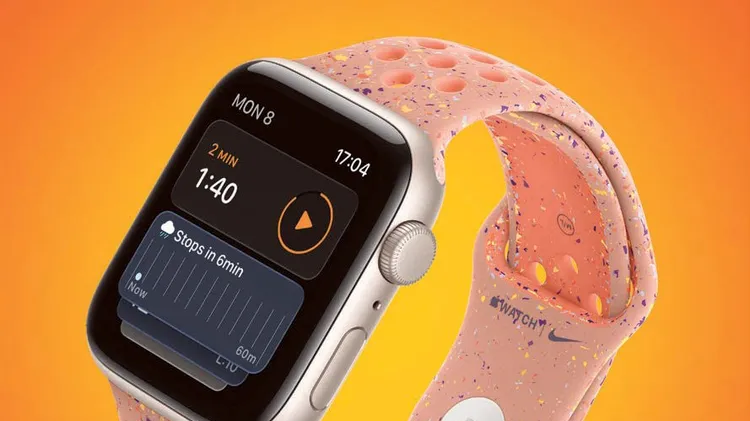
Whether you’ve just unboxed a new Watch or upgraded your old one to watchOS 26, these tips from Craig Grannell will help you get the most from your wearable wonder
Swipe away your touchscreen troubles and rekindle your love of Apple’s mobile devices
TECH SUPPORT & TECHSPLANATIONS
Discover timers done right
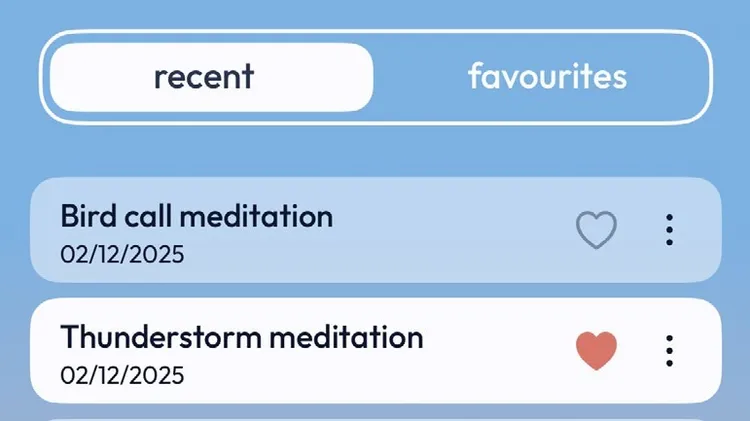
Banish bedtime bother with a soundscape created with this calming app